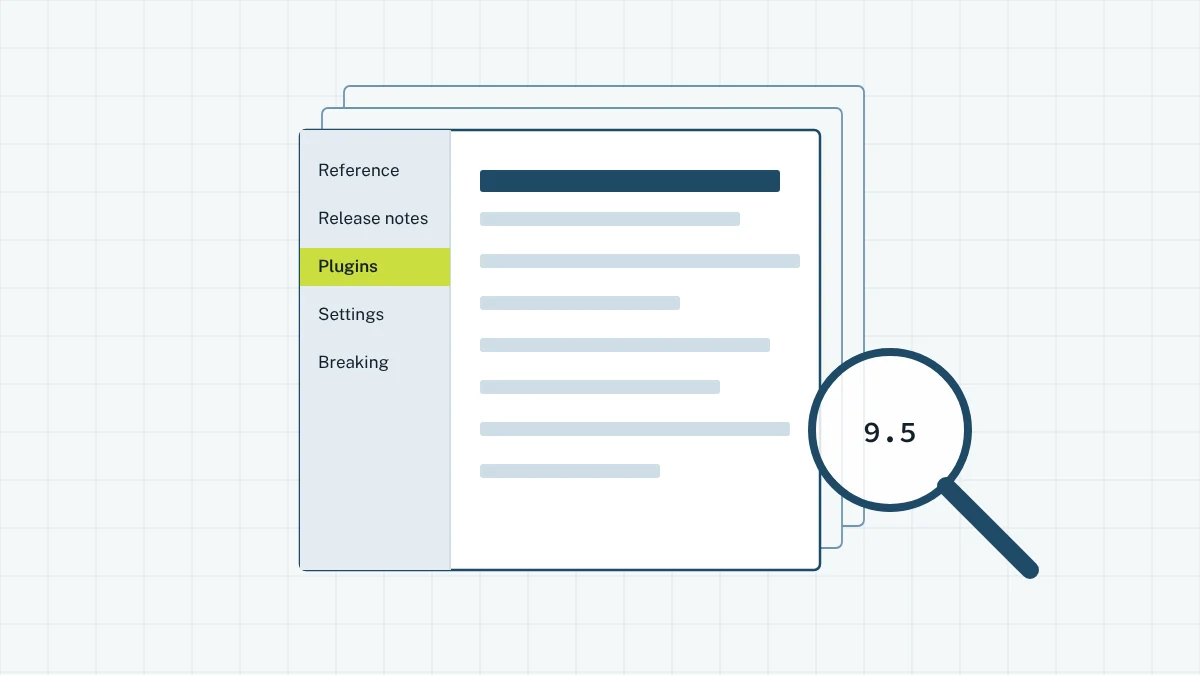
Where the documentation lives
Elastic's Logstash reference is at elastic.co/docs/reference/logstash. Elastic moved its documentation to this site in 2025; pages now carry "applies to" labels showing which versions a feature or setting exists in, instead of keeping a separate copy of the manual for every minor release. Older versioned pages from the previous documentation site still exist but are no longer updated, so check the banner at the top of any page a search engine sends you to.
The main sections and what they answer
| If your question is… | Look in |
|---|---|
| How do I install it on this platform? | Getting started, installing Logstash |
| Where is the config folder? What does this setting do? | Setting up and running Logstash: directory layout, logstash.yml, pipelines.yml, JVM settings, the keystore |
| How do I write a conditional or reference a nested field? | Creating a Logstash pipeline / configuration file structure |
What options does the kafka input accept? | Plugin reference for that plugin |
| Why is it slow? Why won't it start? | Performance tuning and troubleshooting |
| What changes if I upgrade? | Release notes and breaking changes |
Reading a plugin reference page
Every input, filter, output and codec has its own page. They share a layout that is worth learning once:
- Plugin version and release date at the top. Plugins are versioned separately from Logstash, so a fix can arrive in a plugin update without a new Logstash release.
- Description and examples, often including ECS compatibility notes that explain which field names the plugin produces.
- Options table listing each setting, its value type (string, number, array, hash, boolean, password, path) and whether it is required.
- Option details with defaults. Read the default carefully: many surprises come from defaults such as the file input's
start_positionbeingend. - Common options shared by every plugin of that type, such as
id,tags,add_fieldandcodec.
Set an explicit id on important plugins. It appears in logs and in the monitoring API, which makes the documentation's troubleshooting advice much easier to apply.
Release notes and breaking changes
Release notes list core changes, dependency updates (including the bundled JDK version) and every plugin that changed in that release. Breaking changes are collected on a separate page per major and minor version. Read both for every version you skip over when upgrading. For example, the 9.5 notes explain that the Kafka integration moved to 12.x with Kafka client 4.x, that the default and uniform_sticky partitioner options were removed, and that the pipe output left the default bundle.
Security fixes are announced separately on Elastic's security announcements forum category and referenced from the release notes. The 9.5.6 release, for instance, accompanies advisory ESA-2026-228 about root certificates in the bundled Java runtime.
Help that ships with Logstash
bin/logstash --helplists every command-line flag with a short description, matched exactly to your installed version.bin/logstash-plugin list --verboseshows the installed plugins and their versions, which tells you which plugin documentation version applies.config/logstash.ymlis heavily commented and doubles as a settings reference.logs/logstash-deprecation.logrecords settings and options that still work but will be removed. Check it before every upgrade.
When the docs are not enough
The Elastic community forum at discuss.elastic.co has a Logstash category where Elastic engineers and experienced users answer questions. Include your Logstash version, a minimal pipeline that reproduces the problem and the relevant log lines; vague questions get vague answers. For suspected bugs, the issue trackers on GitHub are the right place, as described in Logstash on GitHub.
If you are still learning the configuration language, pipeline configuration explained covers the parts of the reference you will use every day.
Related articles
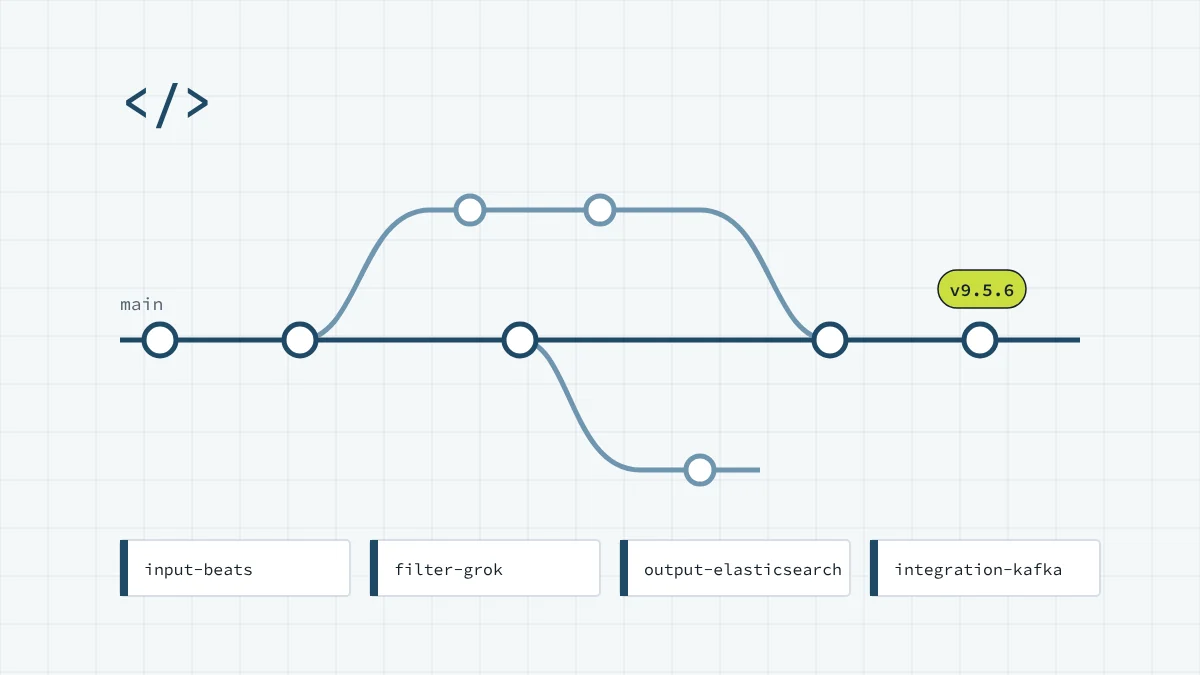
Logstash on GitHub: source code, plugins, releases and issues
How the Logstash GitHub repositories are organised: the core repo, the logstash-plugins organisation, release tags, installing plugin versions and reporting issues.
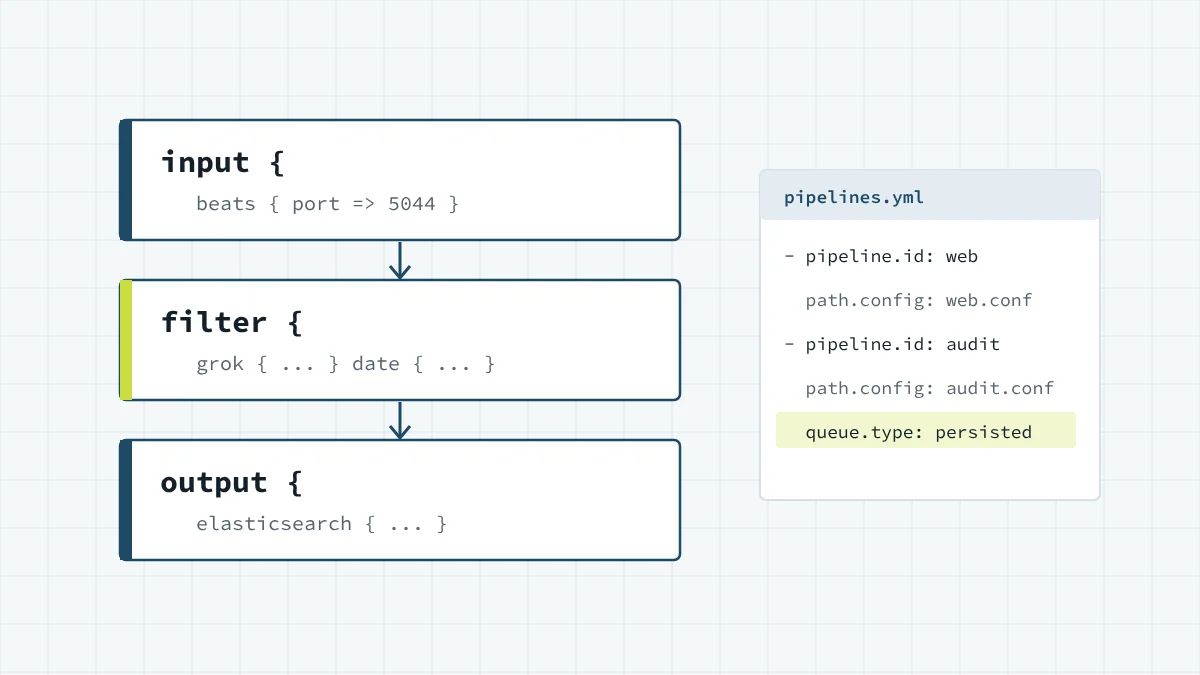
Logstash pipeline configuration: inputs, filters, outputs and pipelines.yml
How a Logstash pipeline file is structured: input, filter and output blocks, value types, field references, conditionals, multiple pipelines and live reload.
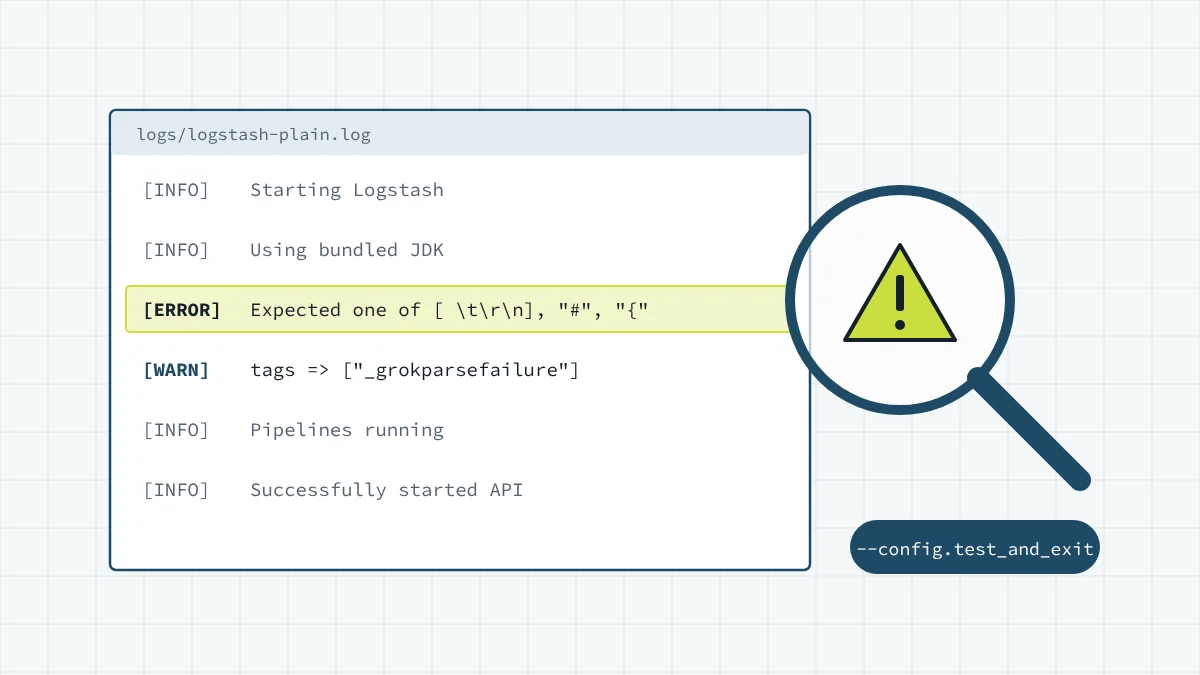
Fixing common Logstash errors and startup failures
Fix the Logstash errors people hit most: config syntax errors, data directory locks, superuser refusal, port conflicts, Java and heap problems and output failures.