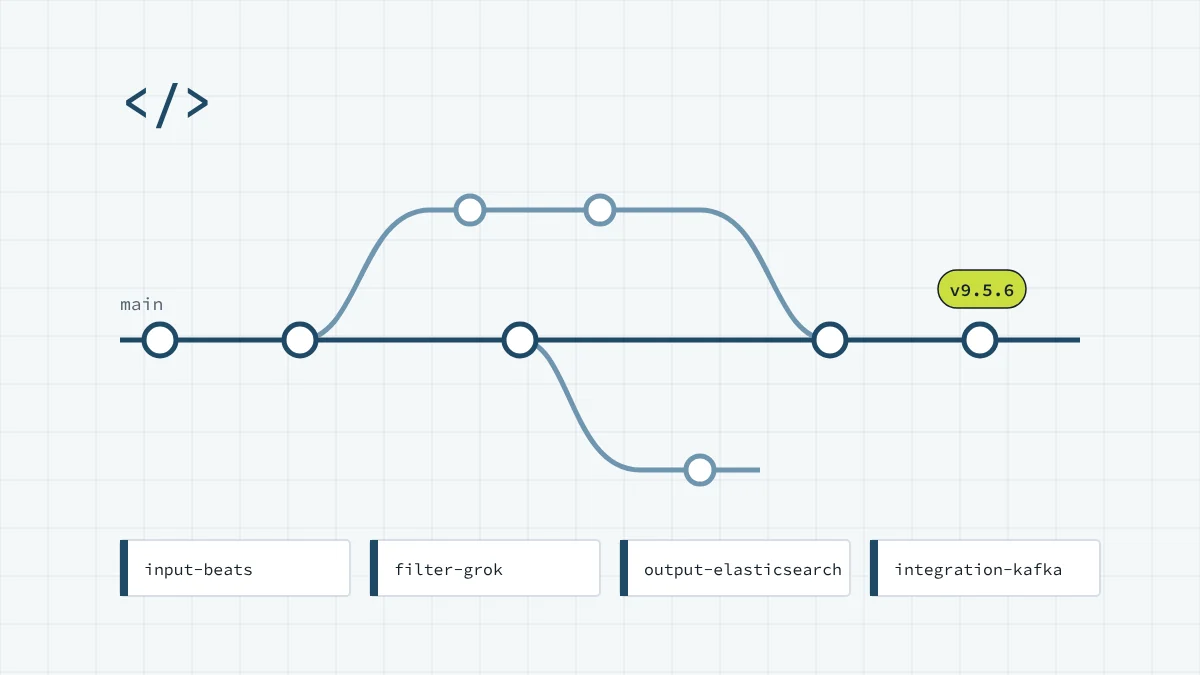
The core repository
The main repository is github.com/elastic/logstash. It holds the engine: the pipeline execution code, queues, settings handling, the plugin API, the launch scripts and packaging. Most of the performance-critical engine is written in Java, and the plugin layer runs on JRuby, which is why the 9.5 release notes mention both JDK and JRuby updates (9.5.5 moved to JRuby 10.0.7.0).
Each release is tagged, for example v9.5.6, and the Releases page links to the download page and release notes. Branches follow minor versions (such as 9.5), so if you want to know whether a fix will reach your series, check whether the pull request was backported to that branch.
Where the plugins live
Plugins are separate projects under the logstash-plugins organisation, one repository per plugin or integration: logstash-input-beats, logstash-filter-grok, logstash-output-elasticsearch, logstash-integration-kafka and many more. The grok pattern library has its own repository, logstash-patterns-core.
Because plugins are versioned and released separately, a plugin fix can ship to RubyGems weeks before the next Logstash release bundles it. Each plugin repository has a CHANGELOG.md that tells you exactly which version contains a change.
Installing and pinning plugin versions
bin/logstash-plugin list --verbose
bin/logstash-plugin update logstash-filter-grok
bin/logstash-plugin install --version 3.4.3 logstash-filter-translate
Use update to pick up a fix without waiting for a new Logstash build, and install --version to pin a known-good version. Remember that a Logstash upgrade replaces the bundled plugins, so record anything you pinned and reapply it afterwards.
For servers without internet access, build an offline pack on a connected machine with the same Logstash version and install it from the file:
bin/logstash-plugin prepare-offline-pack logstash-output-pipe
bin/logstash-plugin install file:///path/to/logstash-offline-plugins-9.5.6.zip
Building from source
Most people never need to build Logstash; the release archives and packages are built from the same tags. If you want to test an unreleased fix, the repository README documents the Gradle-based build. You need a JDK, and the Gradle wrapper script in the repository downloads the rest. Expect the first build to take a while because it fetches JRuby and the default plugins.
Reporting an issue that gets answered
- Search first, in both the core repository and the relevant plugin repository. Plugin bugs belong in the plugin's issue tracker.
- Include versions: the output of
bin/logstash --versionandbin/logstash-plugin list --verbosefor the plugins involved, plus your operating system or container image. - Provide a minimal pipeline that reproduces the problem with sample input, ideally using
stdinandstdoutso maintainers can run it as is. - Attach logs captured with
--log.level debug, trimmed to the relevant part and with credentials removed.
Questions about how to do something fit the community forum better than the issue tracker. Security vulnerabilities should never go in a public issue: Elastic asks for those to be reported privately to its security team at [email protected].
Contributing
Both the core and the plugin repositories accept pull requests. Read CONTRIBUTING.md first; Elastic asks contributors to sign its contributor agreement before a pull request can be merged. Documentation fixes are a good first contribution, since plugin reference pages are generated from files in each plugin repository.
Licensing differs between parts of the codebase, so check the licence files in the repository and in the downloaded archive if licence terms matter for your use. For finding your way through the written docs, see the Logstash documentation map.
Related articles
Finding your way around the Logstash documentation
A map of the Logstash documentation: where setup, settings, pipeline syntax, plugin references, release notes and breaking changes live, and how to read them.
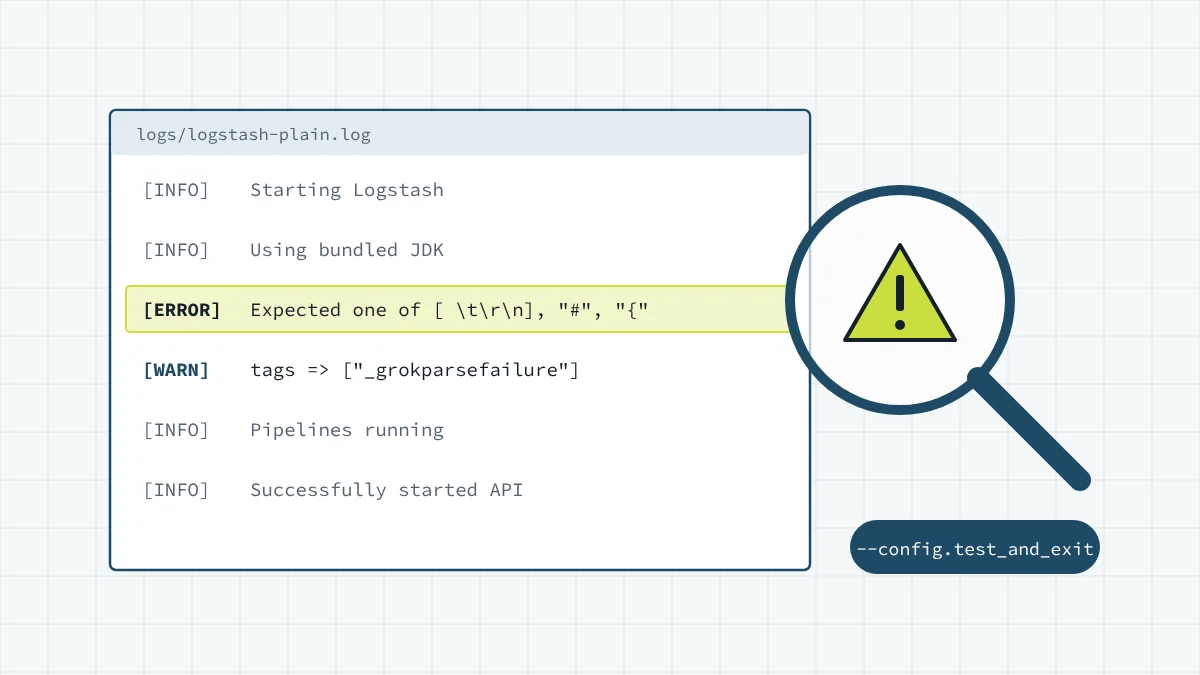
Fixing common Logstash errors and startup failures
Fix the Logstash errors people hit most: config syntax errors, data directory locks, superuser refusal, port conflicts, Java and heap problems and output failures.
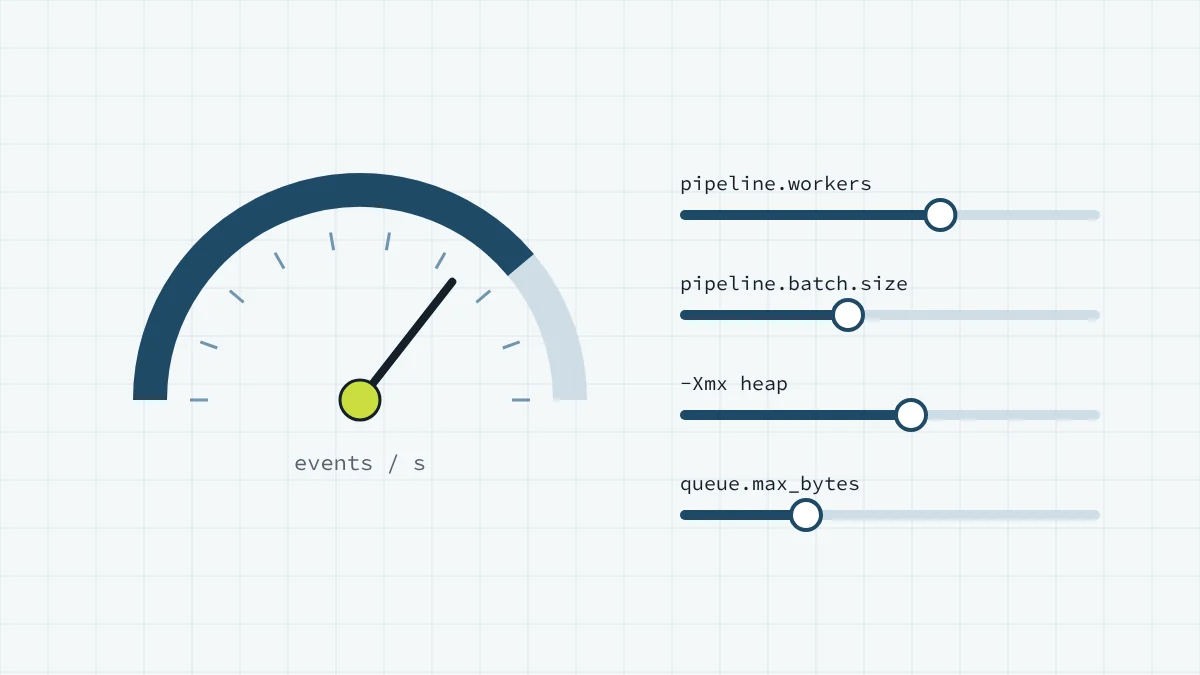
Logstash performance tuning: workers, batch size, heap and queues
Tune Logstash throughput with data: read flow metrics, then adjust pipeline workers, batch size, JVM heap, persistent queues and slow filters or outputs.