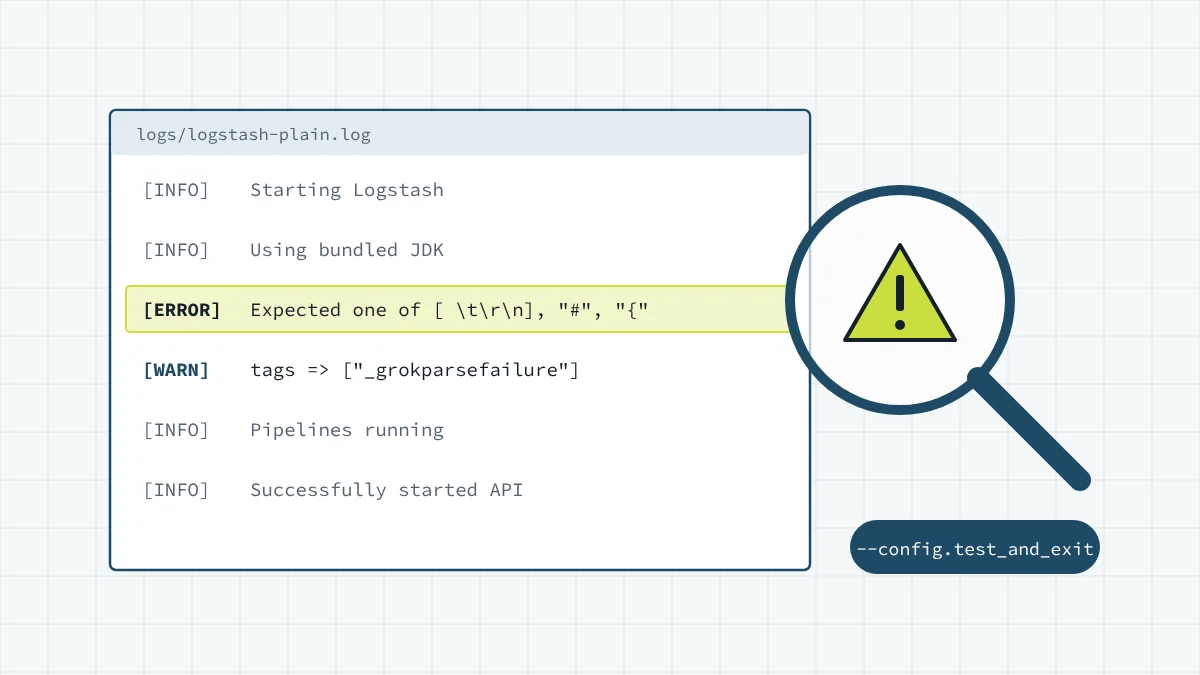
Where to look first
Logstash logs to the console and to logs/logstash-plain.log in an archive install. Package installs on Linux log to /var/log/logstash/ and to the systemd journal (journalctl -u logstash), and containers log to standard output. When the default output is not enough, restart with --log.level debug. Add --config.debug as well to print the fully parsed pipeline, which helps when environment variables or multiple config files are involved; it can print secrets, so use it carefully.
"Expected one of…" configuration errors
[ERROR][logstash.agent] Failed to execute action ... :message=>"Expected one of [ \t\r\n], \"#\", \"{\" at line 12, column 9"This is a syntax error, and the line and column numbers point at where the parser gave up, which is often just after the real mistake. Common causes: a missing closing brace, a comma between hash entries (the config language separates them with spaces), an unescaped backslash in a Windows path, or curly quotes pasted from a web page. Check without starting the pipeline:
bin/logstash -f pipeline.conf --config.test_and_exitIf you load a directory of files, remember they are concatenated, so line numbers refer to the combined text.
"Another instance using the configured data directory"
Logstash locks its path.data folder. If a second copy starts with the same folder, it refuses with a message saying another instance is using the configured data directory and that path.data must be changed to run several instances. Either a Logstash process is already running (check with ps, Task Manager or systemctl status logstash), or you deliberately want two instances, in which case give each its own --path.data.
Refusing to run as root
Starting with 9.0, Logstash does not run as a superuser by default. On Linux, running bin/logstash with sudo or as root stops with an error. Run it as an ordinary user who owns the data and log directories, or use the packaged service, which runs as the logstash user. The allow_superuser: true setting exists, but files created by a root run are then owned by root and break later non-root runs, so fixing ownership is the better answer:
sudo chown -R logstash:logstash /var/lib/logstash /var/log/logstashPorts already in use
An input that cannot bind its port (for example Address already in use for the Beats input on 5044) usually means another Logstash or another program owns it. Find the process with ss -ltnp on Linux or netstat -ano on Windows. The monitoring API is more forgiving: by default it tries ports 9600 to 9700 and takes the first free one, so a second instance quietly ends up on 9601.
Java and LS_JAVA_HOME problems
Logstash uses its bundled JDK unless LS_JAVA_HOME is set. If that variable points at a missing folder or an unsupported version, startup fails before any pipeline loads. Logstash 9.x supports Java 17 and 21; Java 21 is bundled. Unless you have a specific reason, unset LS_JAVA_HOME and let Logstash use its own runtime. JAVA_HOME is ignored.
OutOfMemoryError and long pauses
java.lang.OutOfMemoryError: Java heap space means the heap is too small for the work in flight: many workers, large batches, very big events or a filter that accumulates state (such as aggregate). Raise -Xms and -Xmx together in config/jvm.options, or lower pipeline.batch.size. Logstash performance tuning explains how these settings interact.
Events tagged _grokparsefailure or _dateparsefailure
These tags are not errors in the log; they appear on the events themselves. The pattern or date format does not match the incoming text. Send tagged events to a separate output to collect examples, then adjust the pattern. The grok and dissect examples include a debugging routine.
Elasticsearch output errors
- 401 or 403: wrong credentials, an expired API key, or a role without permission to write to the target index or data stream.
- "PKIX path building failed" or certificate errors: Logstash does not trust the cluster's certificate. Point
ssl_certificate_authoritiesat the cluster CA file. - 429 Too Many Requests: the cluster is rejecting bulk requests under load. Logstash retries automatically; sustained 429s need cluster capacity.
- 400 mapping errors: a field arrives with a type that conflicts with the index mapping. Enable the dead letter queue (
dead_letter_queue.enable: true) so rejected events are kept for inspection instead of dropped.
Problems that start after an upgrade
- Missing plugin: the 9.5 series removed the
pipeoutput from the default bundle. Reinstall it withbin/logstash-plugin install logstash-output-pipe, and reinstall any other plugins you added yourself. - Kafka settings rejected: 9.5 bundles the Kafka integration 12.x with the Kafka 4.x client; the
defaultanduniform_stickypartitioner options are gone andlinger_msnow defaults to 5. - Custom plugins failing to load: the deprecated
concurrency :legacyoutput mode was removed in 9.5.
Read logs/logstash-deprecation.log before upgrading to catch these in advance. If you are on Windows, the Windows install article covers path and service issues specific to that platform.
Related articles
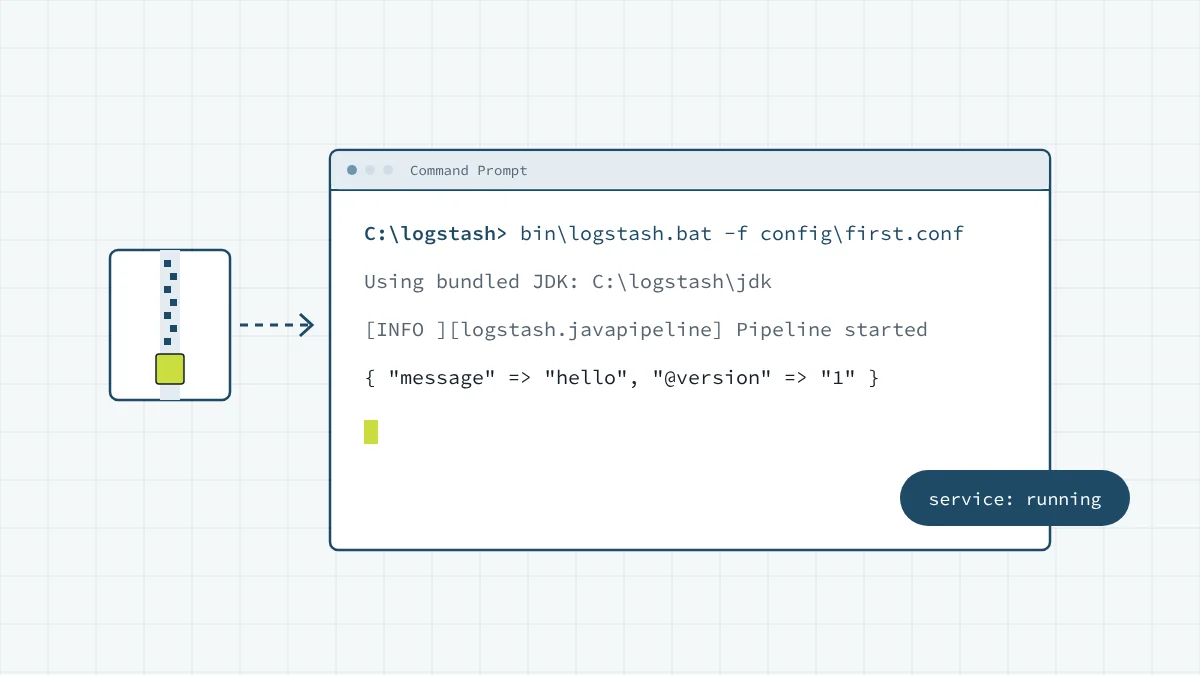
How to install Logstash on Windows: ZIP setup, first run and a Windows service
Install Logstash 9.5.6 on Windows from the ZIP archive: verify the checksum, extract it, run a first pipeline, read log files and keep it running as a service.
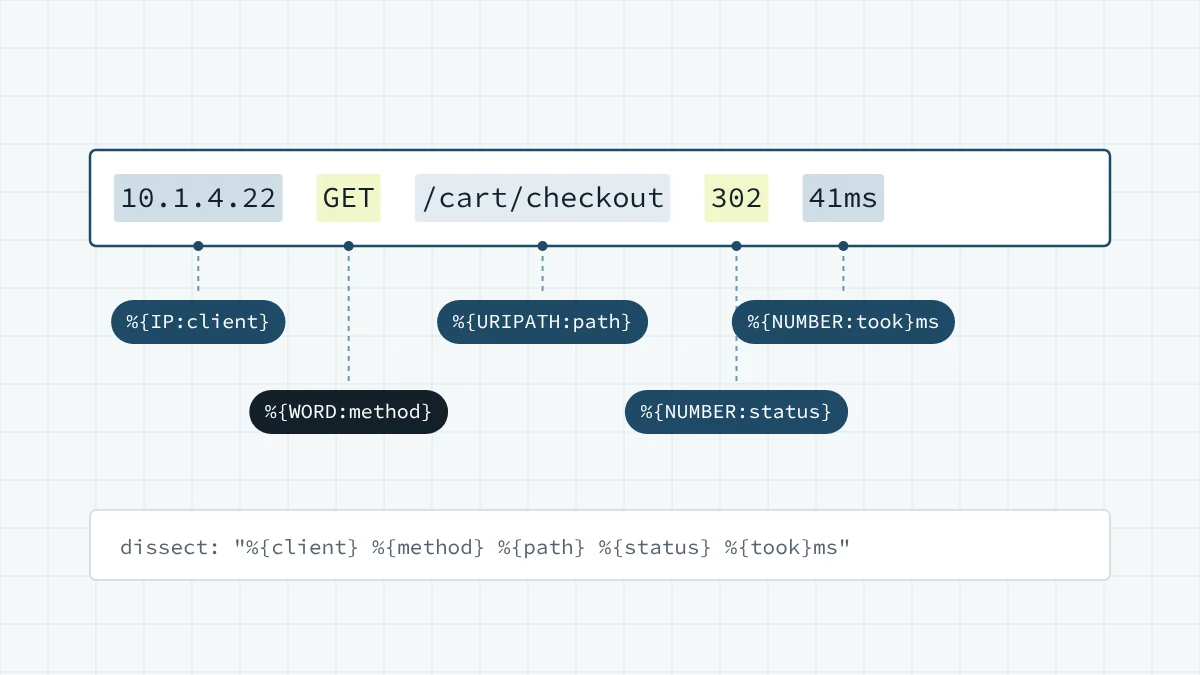
Logstash grok and dissect examples for real log lines
Worked Logstash grok and dissect examples: Apache and Nginx access logs, application logs, key=value data, custom patterns and how to fix _grokparsefailure.
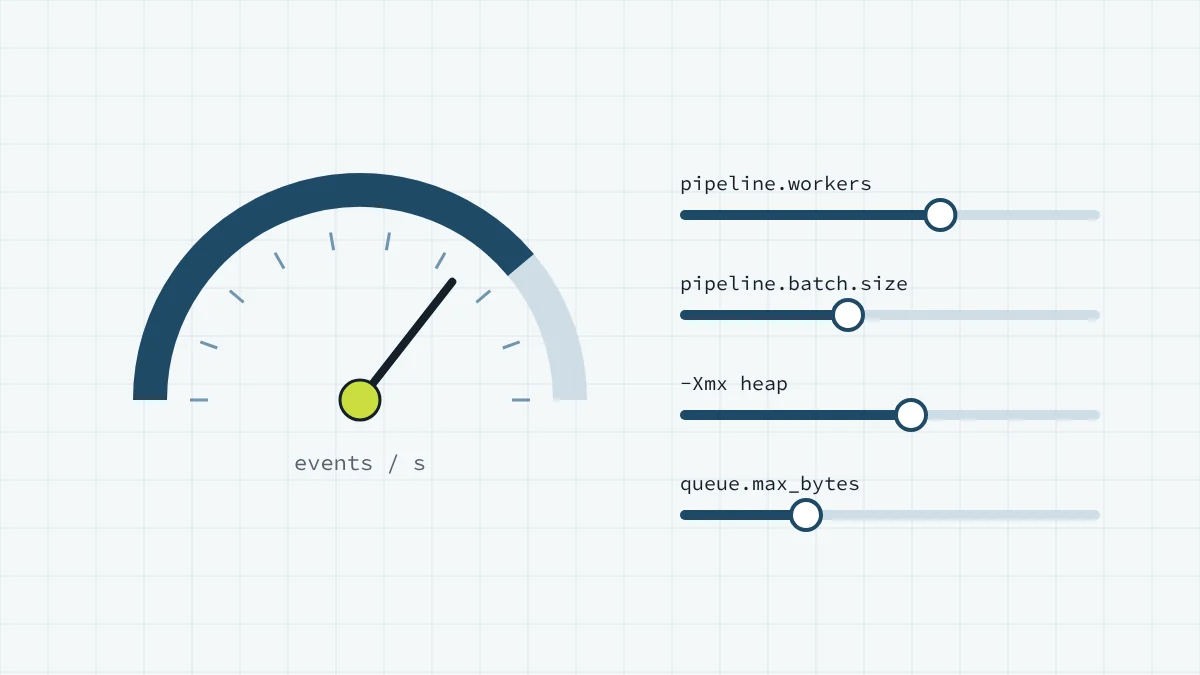
Logstash performance tuning: workers, batch size, heap and queues
Tune Logstash throughput with data: read flow metrics, then adjust pipeline workers, batch size, JVM heap, persistent queues and slow filters or outputs.