Pull a pinned image
Elastic publishes Logstash images to its own registry, not Docker Hub's library namespace. Always pin a full version so a redeploy never surprises you with an upgrade:
docker pull docker.elastic.co/logstash/logstash:9.5.6Images are signed, and you can verify a pulled image with cosign and Elastic's public key before deploying it. Since 9.0 the image is based on Red Hat Universal Base Image 9 Minimal rather than Ubuntu, which matters if you extend it with your own packages: use microdnf, not apt-get.
What the image does by default
Started with no configuration, the container runs a built-in logstash.conf that listens for Beats on port 5044 and prints whatever it receives to standard output. If you mount your pipeline and still see that echo behaviour, your files did not land where Logstash looks.
Mount your pipeline files
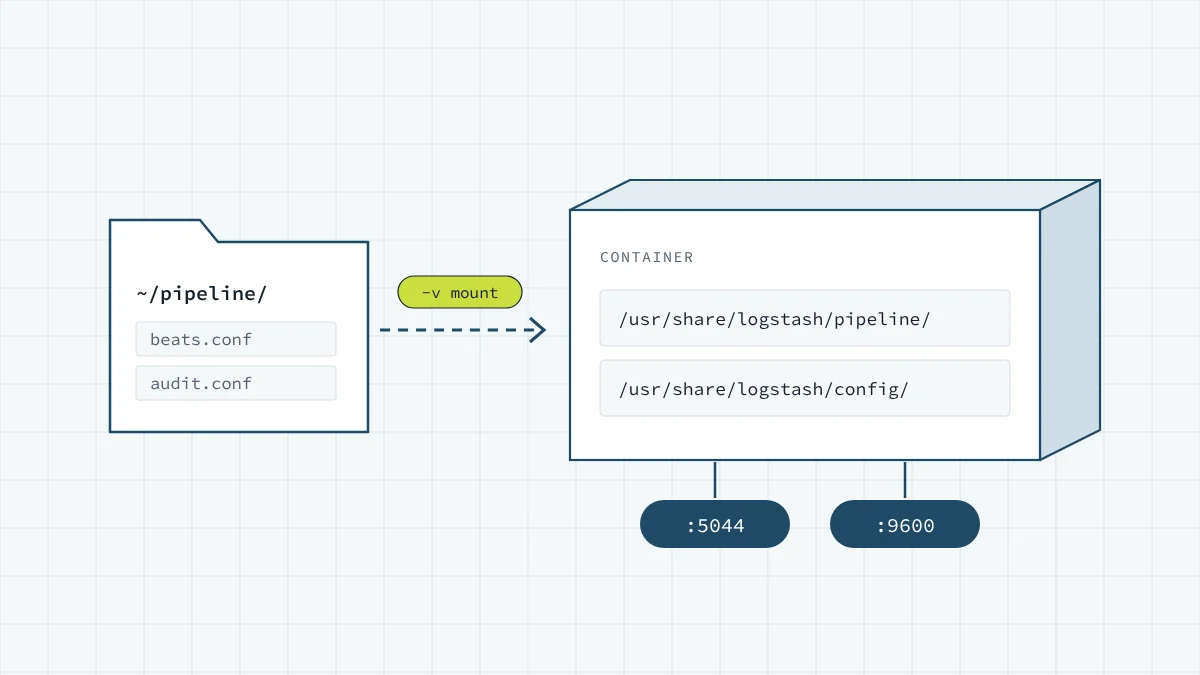
Logstash in the container reads every file in /usr/share/logstash/pipeline/ as pipeline configuration. Mount a host folder over it:
docker run --rm -it \
  -p 5044:5044 -p 9600:9600 \
  -v "$PWD/pipeline/":/usr/share/logstash/pipeline/ \
  docker.elastic.co/logstash/logstash:9.5.6
Mounting the whole directory replaces the built-in example pipeline. Mounting a single file next to it would leave the example running alongside yours, and it would happily accept Beats traffic on 5044.
Settings: environment variables or a mounted file
Settings live in /usr/share/logstash/config/. You can change them in two ways, but pick one:
- Environment variables. At startup, the image converts upper-case variables to settings:
PIPELINE_WORKERS=4becomespipeline.workers: 4,LOG_LEVEL=debugbecomeslog.level: debug. These rewritelogstash.ymlinside the container. - A mounted logstash.yml. Your file replaces the image's default entirely, including its
api.http.host: "0.0.0.0"line. Without that line the monitoring API only listens inside the container, so port 9600 appears dead from the host. Copy over any defaults you still need.
Mixing the two is risky: environment variables try to rewrite a bind-mounted file in place. The JVM heap is set separately with LS_JAVA_OPTS, for example LS_JAVA_OPTS="-Xms2g -Xmx2g".
A Docker Compose example
services:
  logstash:
    image: docker.elastic.co/logstash/logstash:9.5.6
    restart: unless-stopped
    ports:
      - "5044:5044"
      - "9600:9600"
    environment:
      LS_JAVA_OPTS: "-Xms1g -Xmx1g"
      PIPELINE_WORKERS: "2"
      ES_API_KEY: "${ES_API_KEY}"
    volumes:
      - ./pipeline:/usr/share/logstash/pipeline:ro
      - ls-data:/usr/share/logstash/data

volumes:
  ls-data:
The named ls-data volume keeps persistent queues, the dead letter queue and plugin state (such as file input positions) across container restarts. Without it, a recreated container starts from nothing and anything still queued is lost.
Permissions and ownership
Logstash runs as UID 1000 inside the container, and bind-mounted files keep their host ownership and permissions. Pipeline files only need to be readable by that user; mounting them read-only (:ro) is a good habit. Host directories mounted for data must be writable by UID 1000, or Logstash will fail when it tries to create its queue files.
Logs, monitoring and health
- Logs go to standard output, so
docker logsor your platform's log collector shows them. Replacelog4j2.propertiesin the config folder if you need file logging. - The node API on port 9600 reports pipeline health and throughput:
curl -s localhost:9600/_node/stats/pipelines?pretty. - Logstash 9.5 added
cgroupv2support, so resource limits set on the container are reported correctly on modern hosts.
Building your own image
For repeatable deployments, bake pipelines and extra plugins into a derived image:
FROM docker.elastic.co/logstash/logstash:9.5.6
RUN rm -f /usr/share/logstash/pipeline/logstash.conf
COPY pipeline/ /usr/share/logstash/pipeline/
RUN bin/logstash-plugin install logstash-output-pipe
The rm line removes the example pipeline. The plugin line is only an example: the pipe output was dropped from the default bundle in 9.5, so images that relied on it need to install it explicitly. To size workers and heap for the container, see Logstash performance tuning; for pipeline layout, see pipeline configuration explained.
Related articles
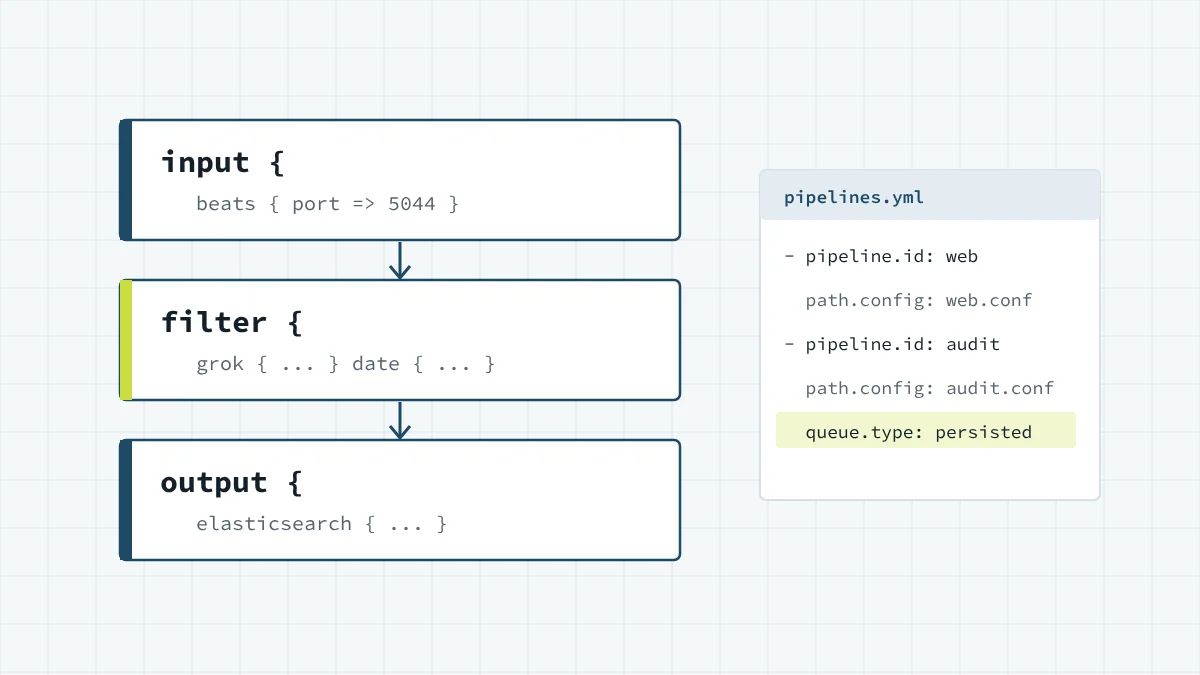
Logstash pipeline configuration: inputs, filters, outputs and pipelines.yml
How a Logstash pipeline file is structured: input, filter and output blocks, value types, field references, conditionals, multiple pipelines and live reload.
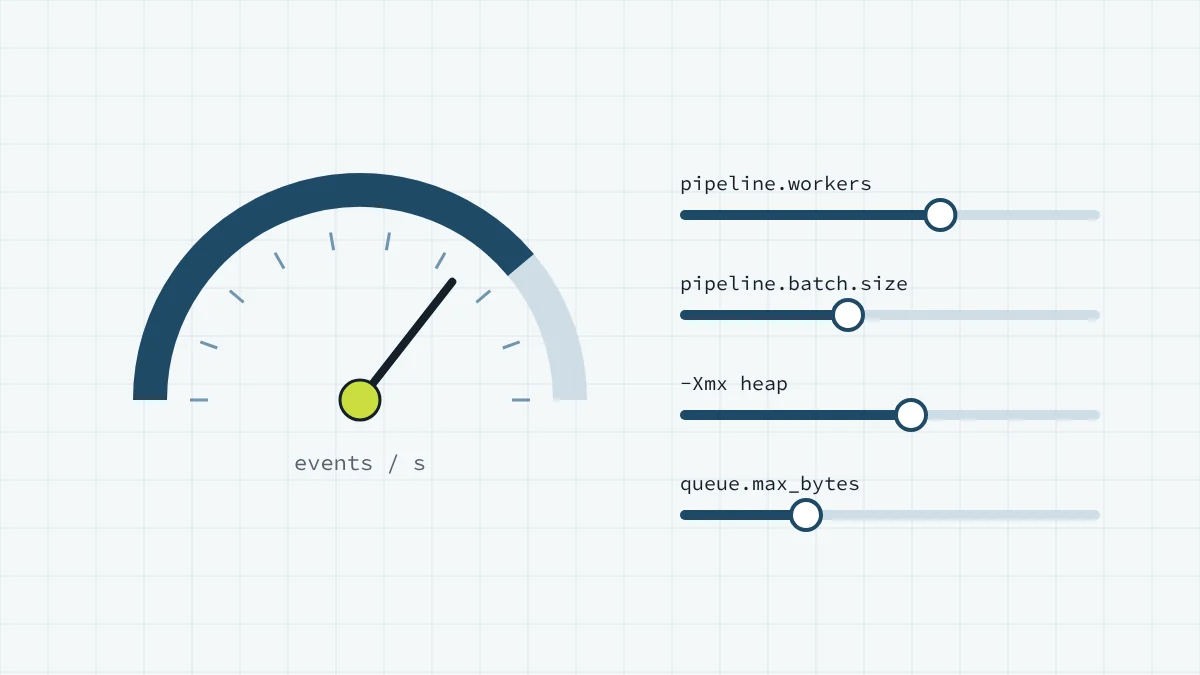
Logstash performance tuning: workers, batch size, heap and queues
Tune Logstash throughput with data: read flow metrics, then adjust pipeline workers, batch size, JVM heap, persistent queues and slow filters or outputs.
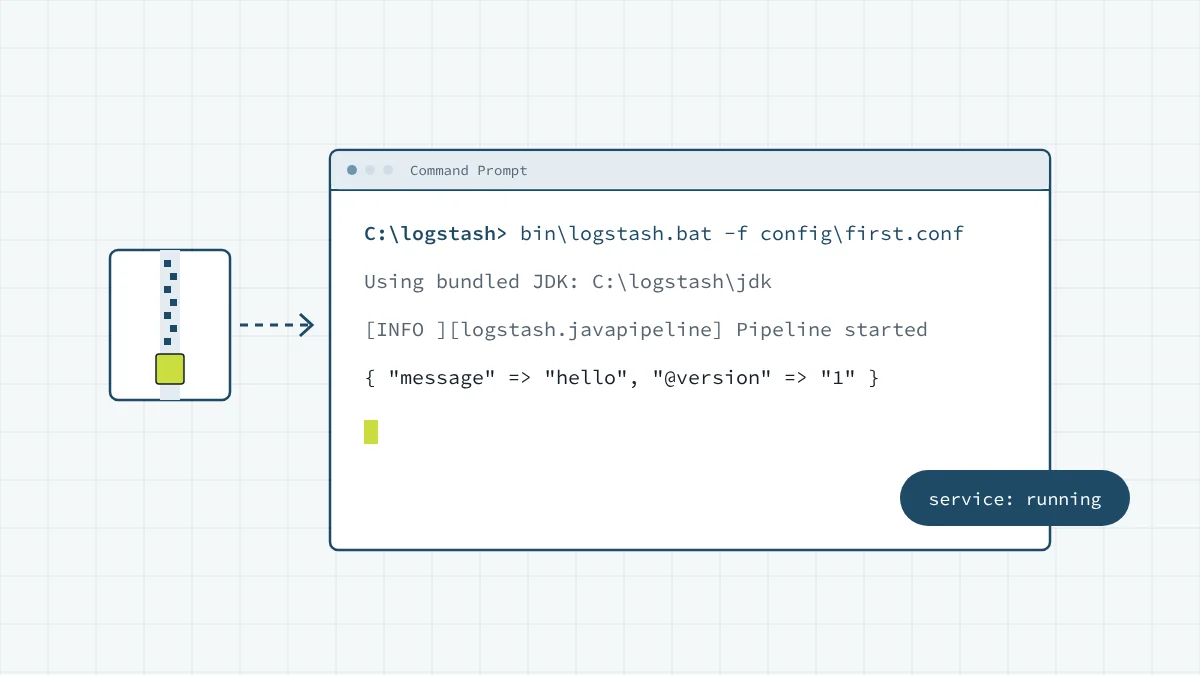
How to install Logstash on Windows: ZIP setup, first run and a Windows service
Install Logstash 9.5.6 on Windows from the ZIP archive: verify the checksum, extract it, run a first pipeline, read log files and keep it running as a service.